Skip to content
OpenOffice.org.nz
  • OpenOffice
    • Alternatives
  • LibreOffice
  • Microsoft Office
  • Google Workspace
  • Business
    • File Formats
  • Templates

File Formats

How to open, edit and convert office files such as ODT, DOCX, XLSX, CSV and PDF, with free methods for Word, Excel, Google Docs and LibreOffice.

How to Merge PDF Files for Free on Any Device
Posted in
  • File Formats

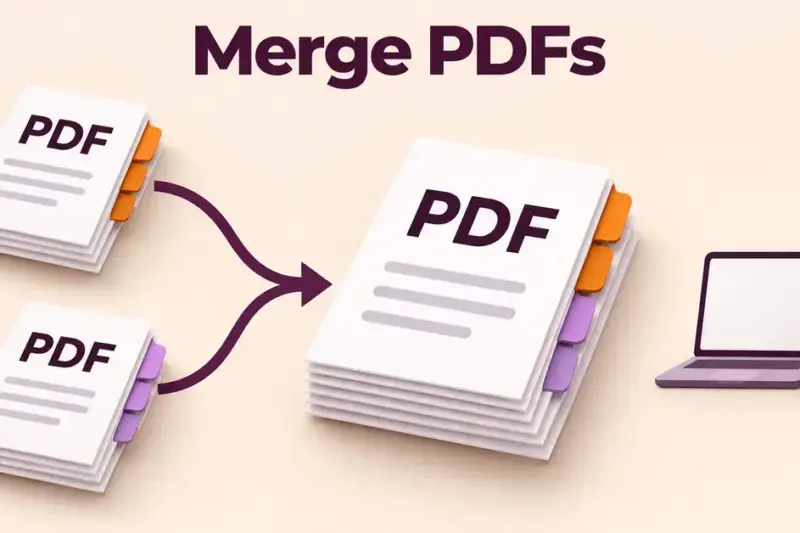
How to Merge PDF Files for Free on Any Device

Merging PDF files means combining two or more separate PDF documents into a single file, in … How to Merge PDF Files for Free on Any DeviceRead more
by Imogen Wetherby•10 November 202615 November 2026
How to Convert ODT to Word (DOCX): Free Step-by-Step Methods
Posted in
  • File Formats

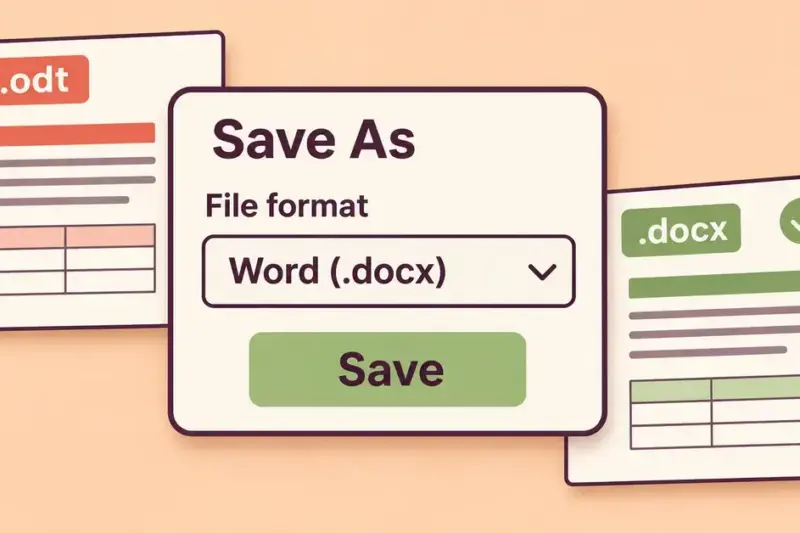
How to Convert ODT to Word (DOCX): Free Step-by-Step Methods

Yes – you can convert an ODT file to Microsoft Word (DOCX) for free: open the … How to Convert ODT to Word (DOCX): Free Step-by-Step MethodsRead more
by Imogen Wetherby•9 November 20269 November 2026
How to Edit a PDF for Free: Tools That Actually Work
Posted in
  • File Formats

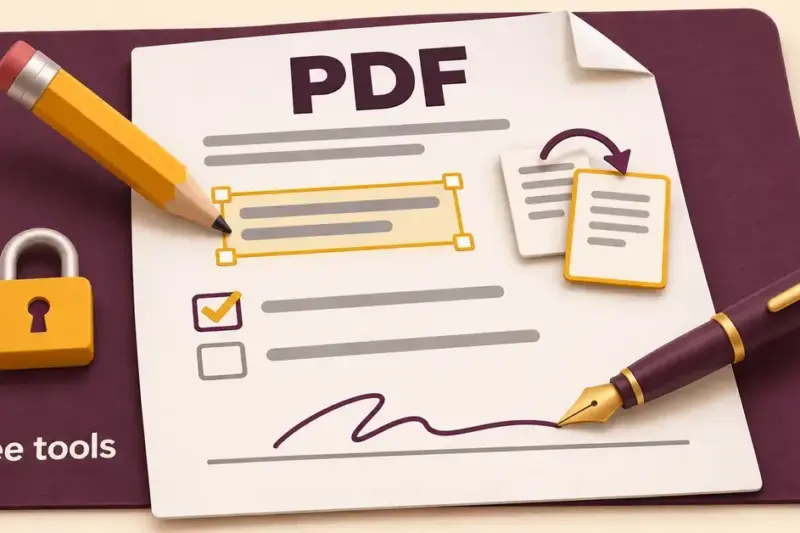
How to Edit a PDF for Free: Tools That Actually Work

Yes — you can edit a PDF for free, and you do not need Adobe or … How to Edit a PDF for Free: Tools That Actually WorkRead more
by Imogen Wetherby•8 November 202616 November 2026
What Is an XLSX File? How to Open, Edit and Convert It
Posted in
  • File Formats

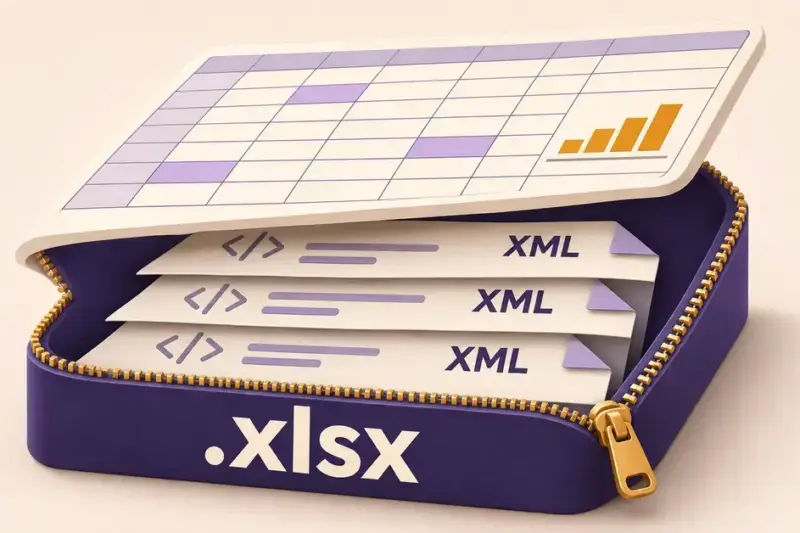
What Is an XLSX File? How to Open, Edit and Convert It

An XLSX file is a Microsoft Excel spreadsheet saved in the Office Open XML format, which … What Is an XLSX File? How to Open, Edit and Convert ItRead more
by Imogen Wetherby•7 November 20267 November 2026
How to Convert a PDF to Word: Free and Editable Methods
Posted in
  • File Formats

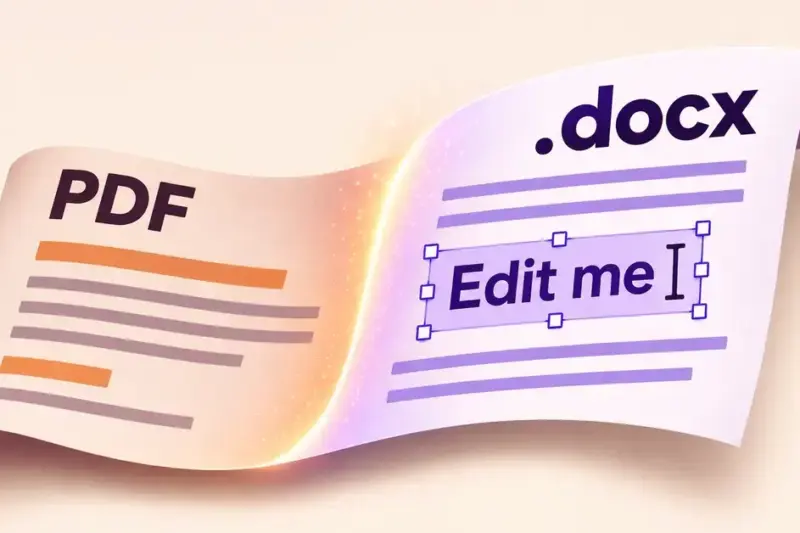
How to Convert a PDF to Word: Free and Editable Methods

You can convert a PDF to an editable Word document for free in a few minutes, … How to Convert a PDF to Word: Free and Editable MethodsRead more
by Imogen Wetherby•6 November 20266 November 2026
How to Convert Excel to PDF: Free Methods for Every Device
Posted in
  • File Formats

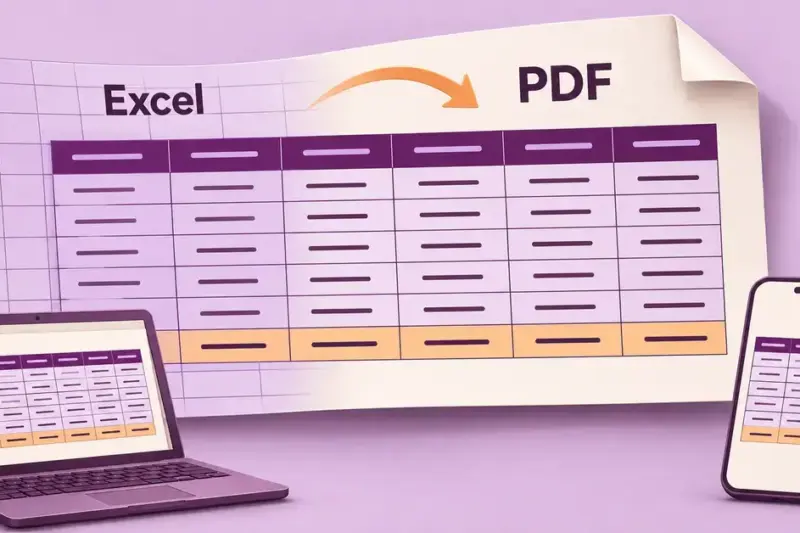
How to Convert Excel to PDF: Free Methods for Every Device

You can convert an Excel spreadsheet to PDF for free on almost any device, and in … How to Convert Excel to PDF: Free Methods for Every DeviceRead more
by Imogen Wetherby•5 November 20265 November 2026
How to Open a CSV File in Excel, Google Sheets and Calc
Posted in
  • File Formats

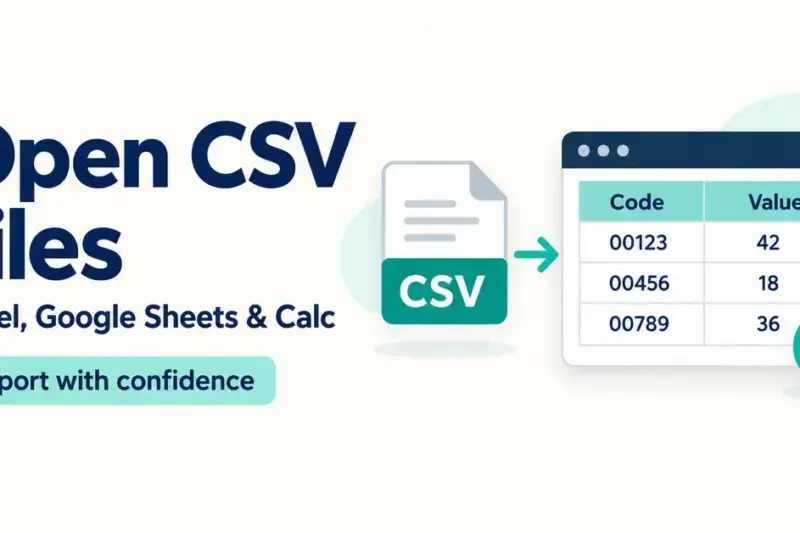
How to Open a CSV File in Excel, Google Sheets and Calc

A CSV file is a plain-text file that stores a table of data as rows of … How to Open a CSV File in Excel, Google Sheets and CalcRead more
by Imogen Wetherby•14 October 202615 October 2026
What Is a DOCX File? How to Open, Edit and Convert It
Posted in
  • File Formats

What Is a DOCX File? How to Open, Edit and Convert It

A DOCX file is a word-processing document saved in Microsoft’s modern Word format. It is the … What Is a DOCX File? How to Open, Edit and Convert ItRead more
by Imogen Wetherby•13 October 202616 November 2026
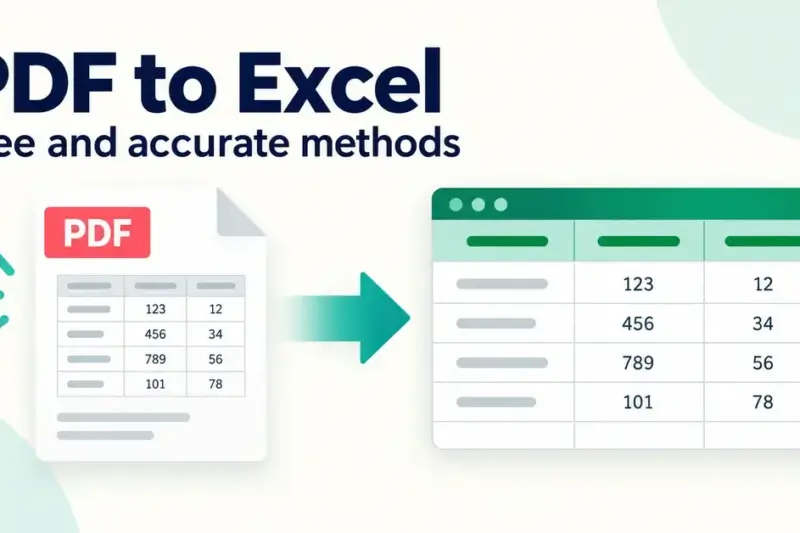
How to Convert a PDF to Excel: Free and Accurate Methods
Posted in
  • File Formats

How to Convert a PDF to Excel: Free and Accurate Methods

Any tool that promises to convert PDF to Excel makes it sound like one click, but … How to Convert a PDF to Excel: Free and Accurate MethodsRead more
by Imogen Wetherby•12 October 202615 November 2026
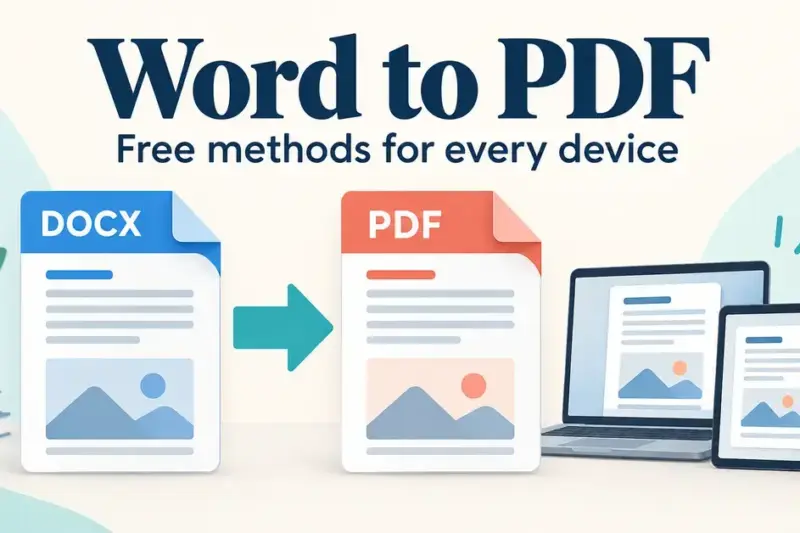
How to Convert Word to PDF: Free Methods for Every Device
Posted in
  • File Formats

How to Convert Word to PDF: Free Methods for Every Device

Converting a Word document to PDF locks your layout, fonts and images into a single file … How to Convert Word to PDF: Free Methods for Every DeviceRead more

by Imogen Wetherby•11 October 202615 October 2026

Posts pagination

1 2 Next
  • About us
  • Contact
  • Sitemap
  • Privacy policy
  • AI policy
  • Terms of use
  • Cookies
Copyright © 2026 OpenOffice.org.nz.
Powered by WordPress and HybridMag.
  • OpenOffice
    • Alternatives
  • LibreOffice
  • Microsoft Office
  • Google Workspace
  • Business
    • File Formats
  • Templates
We use cookies to give you the best possible experience on our website. Read more in our privacy policy.